

Setting Up API Gateway for Monitoring (Google Cloud)
Jun 3, 2025
Understanding API Gateway Monitoring
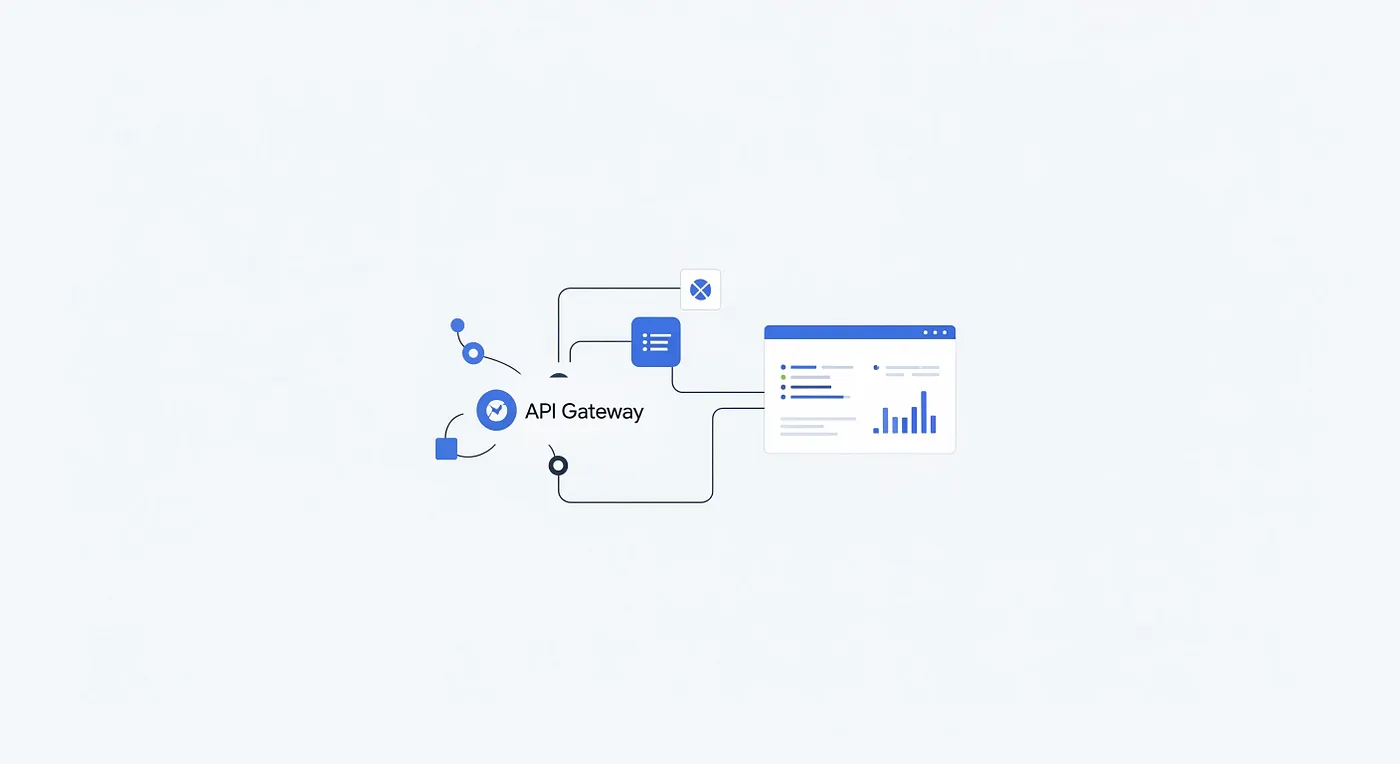
An API Gateway functions as a singular entry point for client requests, and routes them to the appropriate backend services. The monitoring of an API Gateway is of significant importance, as it facilitates comprehension of the performance, health, and utilization patterns of associated APIs. This document will provide guidance on the setup of API Gateway monitoring, with a specific focus on Google Cloud API Gateway.
Why Monitor Your API Gateway?
Performance Tracking: It is essential to maintain close observation of latency. This enables the identification of potential bottlenecks and the optimization of response times.
Error Detection: The tracking of error rates enables the swift identification and resolution of issues.
Usage Analysis: Understanding the manner in which APIs are being utilized, including request volume and endpoint popularity, is necessary.
Security Monitoring: Vigilance is required to maintain API security. This includes the detection of any suspicious activity, such as unauthorized access attempts.
Business Insights: Acquiring a comprehensive understanding of API usage can inform and enhance business decisions.
When to Monitor?
Continuously: Ongoing, round-the-clock monitoring is considered a best practice, especially for APIs in a production environment.
During Development: It is imperative to verify the correct functionality of newly developed APIs.
Post-Deployment: Following deployment, monitoring should be conducted to identify any
performance regressions or errors.During periods of heightened traffic: It is crucial to ensure that the infrastructure possesses the capacity to effectively manage increased loads.
Where to Monitor?
When utilizing Google Cloud API Gateway, monitoring is primarily conducted using the following Google Cloud tools:
Google Cloud Console: This provides integrated dashboards that offer fundamental API Gateway metrics.
Cloud Monitoring: For more sophisticated monitoring requirements, Cloud Monitoring is recommended. It facilitates the creation of customized dashboards, the configuration of alerts, and in-depth metric analysis.
Which Metrics to Monitor?
The following key metrics should be tracked in Google Cloud API Gateway:
Request Count: The total volume of requests received by the API Gateway. This can be further categorized by API, method, or other relevant criteria.
Latency: The duration required for the API Gateway to process a request and subsequently transmit a response. Key metrics include average, minimum, and maximum latency. Within Cloud Monitoring, relevant metrics such as apigateway.googleapis.com/latencies/mean should be examined.
Error Rate: The percentage of requests that result in error conditions (e.g., 4xx or 5xx status codes). Monitoring different classes of errors can provide valuable insights into the nature of the problems encountered.
Traffic Volume: The quantity of data transmitted through the API Gateway.
Backend Latency: The time taken by the backend service to respond to the API Gateway. This aids in isolating issues, determining whether they originate from the backend or the API Gateway itself.
Cache Hit Rate (if applicable): In scenarios where caching is employed, it is prudent to monitor the frequency with which requests are served from the cache.
Quota Usage: Regularly assessing proximity to API Gateway quotas is essential to prevent unexpected service disruptions.
How to Set Up Monitoring (Google Cloud API Gateway)
Enable the Monitoring API:gcloud services enable monitoring.googleapis.com — project=your-project-id
Access the API Gateway Dashboard: In the Google Cloud Console, navigate to ‘API Gateway’ and select your gateway. This dashboard provides basic metrics like request count, latency, and error rates.
Use Cloud Monitoring for Advanced Monitoring:
Go to ‘Cloud Monitoring’ in the Google Cloud Console.
Use the Metrics Explorer to select apigateway.googleapis.com metrics. For example, to monitor latency, select apigateway.googleapis.com/latencies/mean.
Group data by gateway_name to see latency per gateway. Visualize as a line chart to track changes over time.
Create custom dashboards and set up alerts for issues like high latency.
Key Features of Google Cloud API Gateway for Monitoring
Managed and Serverless: Reduces operational overhead, allowing you to focus on API configuration (as seen in Step 2 of the setup).
Scalability: Automatically handles traffic increases, ensuring your monitoring setup remains effective even during peak loads.
Security Integration: Leverages IAM for access control to monitoring data and Cloud Armor for protecting your API Gateway.
Traffic Management: Features like routing are used to direct traffic to different backend services, which can be useful for A/B testing and monitoring different versions of your API.
Monitoring and Logging Integration: Seamless integration with Cloud Monitoring (as demonstrated in the ‘How to Set Up Monitoring’ section) and Cloud Logging provides comprehensive insights into API Gateway behavior.
Google Cloud API Gateway: Limits and Quotas
It is important to acknowledge the limits and quotas that pertain to Google Cloud API Gateway. Given the potential for these to change, it is advisable to consult the official Google Cloud documentation for the most current information. The limits and quotas that apply to Google Cloud API Gateway are as follows:
Limits on APIs, API configurations, and gateways
Request rate limits
Payload size limits
Header size limits
For the recent information regarding Google Cloud API Gateway limits and quotas, please consult the official Google Cloud documentation
Google Cloud API Gateway Documentation: https://cloud.google.com/api-gateway/docs/quotas